A final check before sending files to the printer
Most jobs that come back from the printer with problems aren't caused by a design mistake, but by a small thing missing from the file. Here's what I check before sending a file.
 Zafer YılmazGraphic & Web Designer
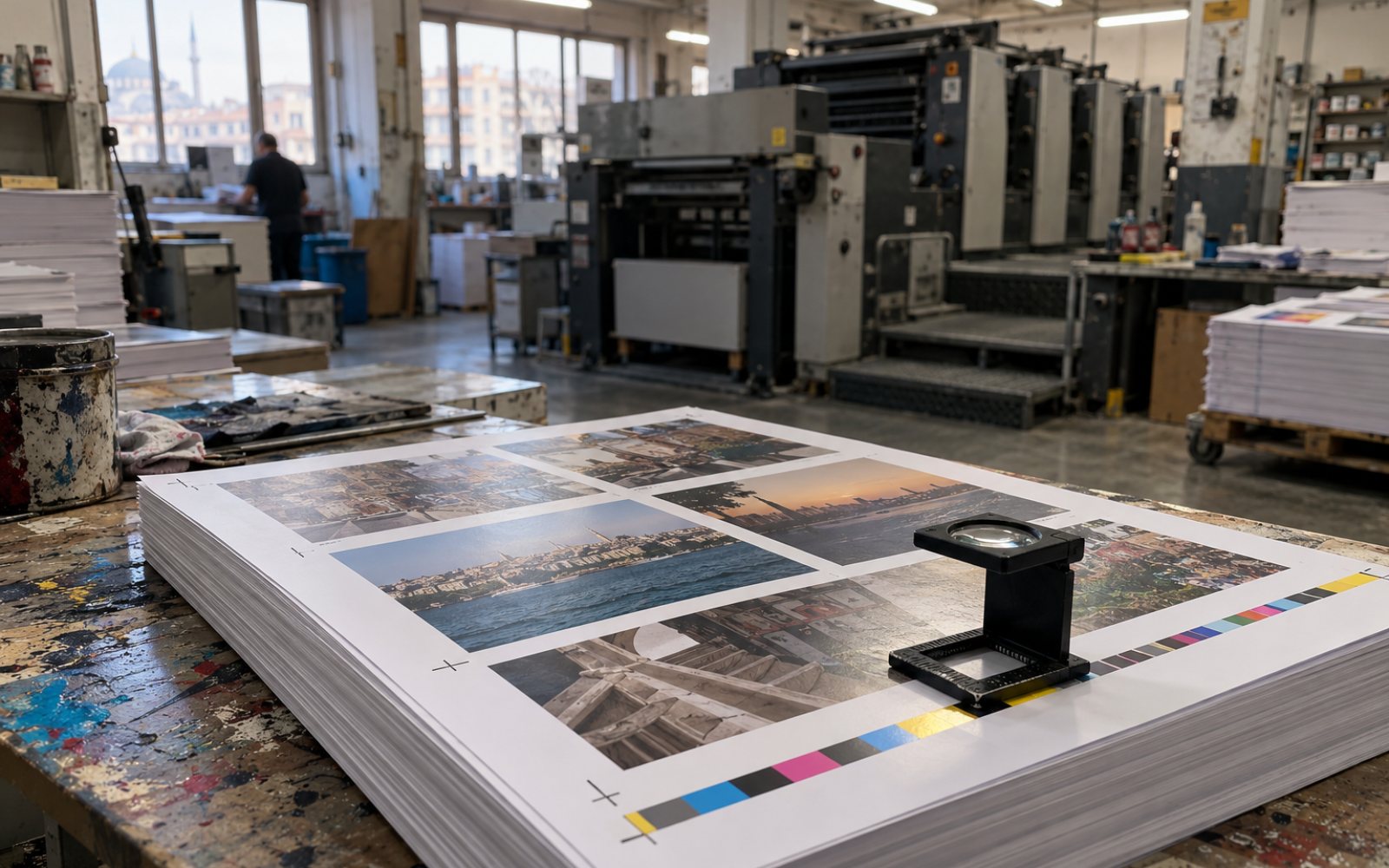
The most expensive lesson I learned in my first years working at an agency was that a job that looks great on screen can come out completely different in print. Since then, I do the same checks before sending a file to the printer. Most take less than a minute, but they save you the cost of a reprint.
Are the colours CMYK?
A screen works with light, a printing press with ink. A vivid blue or neon green in a file set up in RGB can come out dull and greyish in print. Setting the file up in CMYK from the very start is the safest option. If the brand colour matters, I also note its Pantone equivalent so the printer can adjust to it.
Is there bleed at the edges?
If there's a background colour that runs to the edge, I leave 3 mm of bleed on every side. The cutting machine can shift by a millimetre or so. Without bleed, a thin white line is left along one edge of the business card, and you notice it at first glance.
For text and the logo, I think the other way round. A phone number sitting too close to the cut line can get chopped in half. I keep everything important at least 4-5 mm in from the edge.
Are the images big enough?
An image taken from the internet may look sharp on screen, but at print size it often comes out blurry. I make sure photos going to print are around 300 dpi at their actual size. If the logo the client sends is just a screenshot sent over WhatsApp, I start the job by redrawing the logo as a vector.
Are the fonts embedded?
The printer's computer may not have the font you used. Then the text switches to another font and the lines shift. I convert the text to outlines or save it embedded in the PDF.
Which black is black?
For small text, I only use 100% black. A black made from a mix of all four colours can leave slight coloured shadows on thin text. For large black backgrounds, I ask the printer for their recommended rich black values, because 100% black on its own looks like dark grey over a large area.
Finally, call the printer
Every printer's machines and paper are different. If there's something I'm not sure about, I'd rather spend five minutes on the phone. Paper weight, lamination, cutting die, delivery time. That short call often does more than a whole day of emails.
If you have a job to prepare for print, you can get support with everything from file preparation to following up with the printer.
Comments
No comments yet. Be the first to write one.