What do I leave to AI in a logo project?
AI tools come out with a new feature every month. I went through a logo project step by step and put together a single diagram showing which steps it makes sense to get help with and which ones should stay with the designer.
 Zafer YılmazGraphic & Web Designer
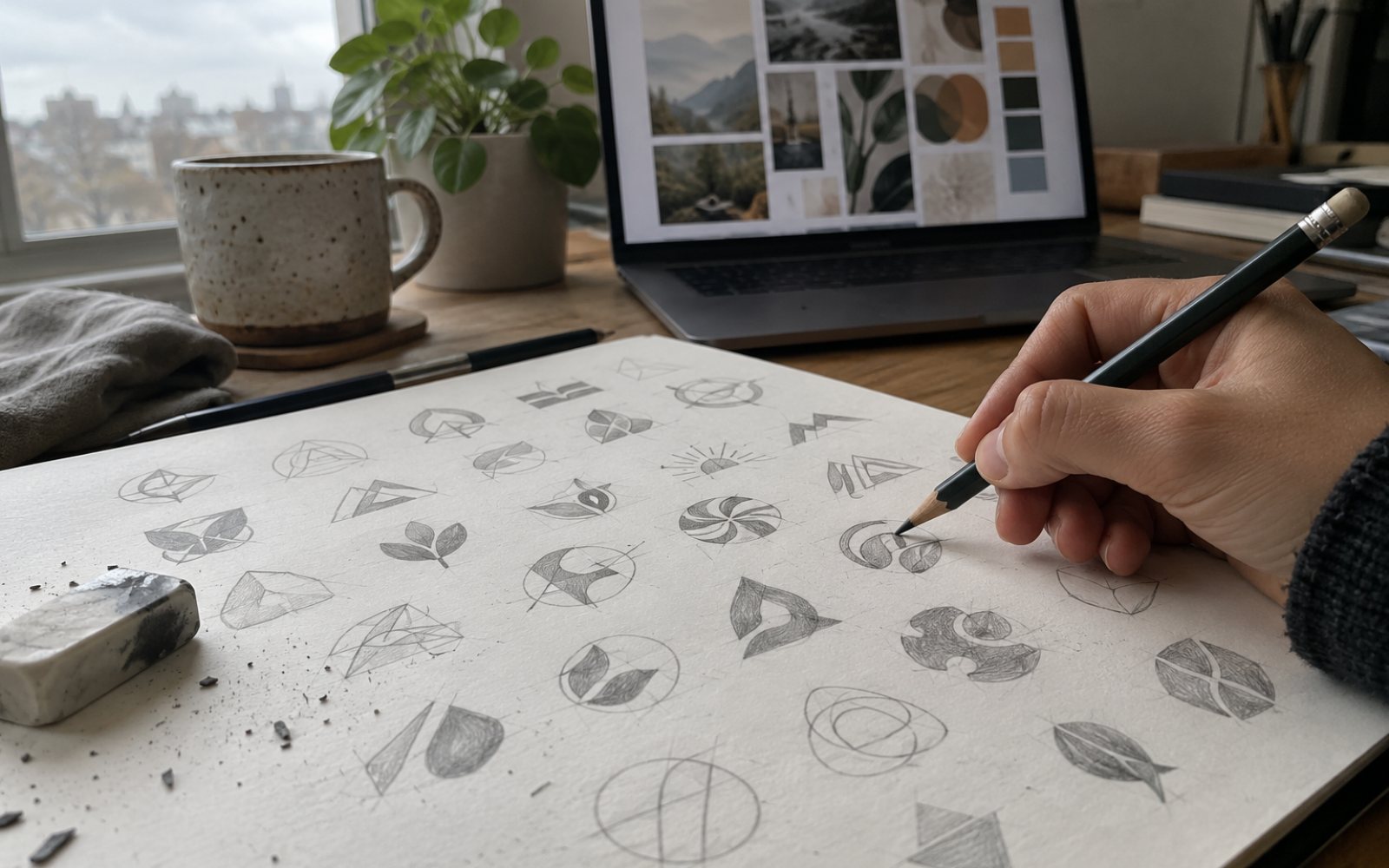
Over the last few months Figma, Adobe and OpenAI have released new AI features one after another. I'm also hearing this question from clients more and more often: "Wouldn't it be faster if we did this with AI?"
For some steps it would, for others it wouldn't. The best way I can explain this is by going through the steps of a logo project one by one.
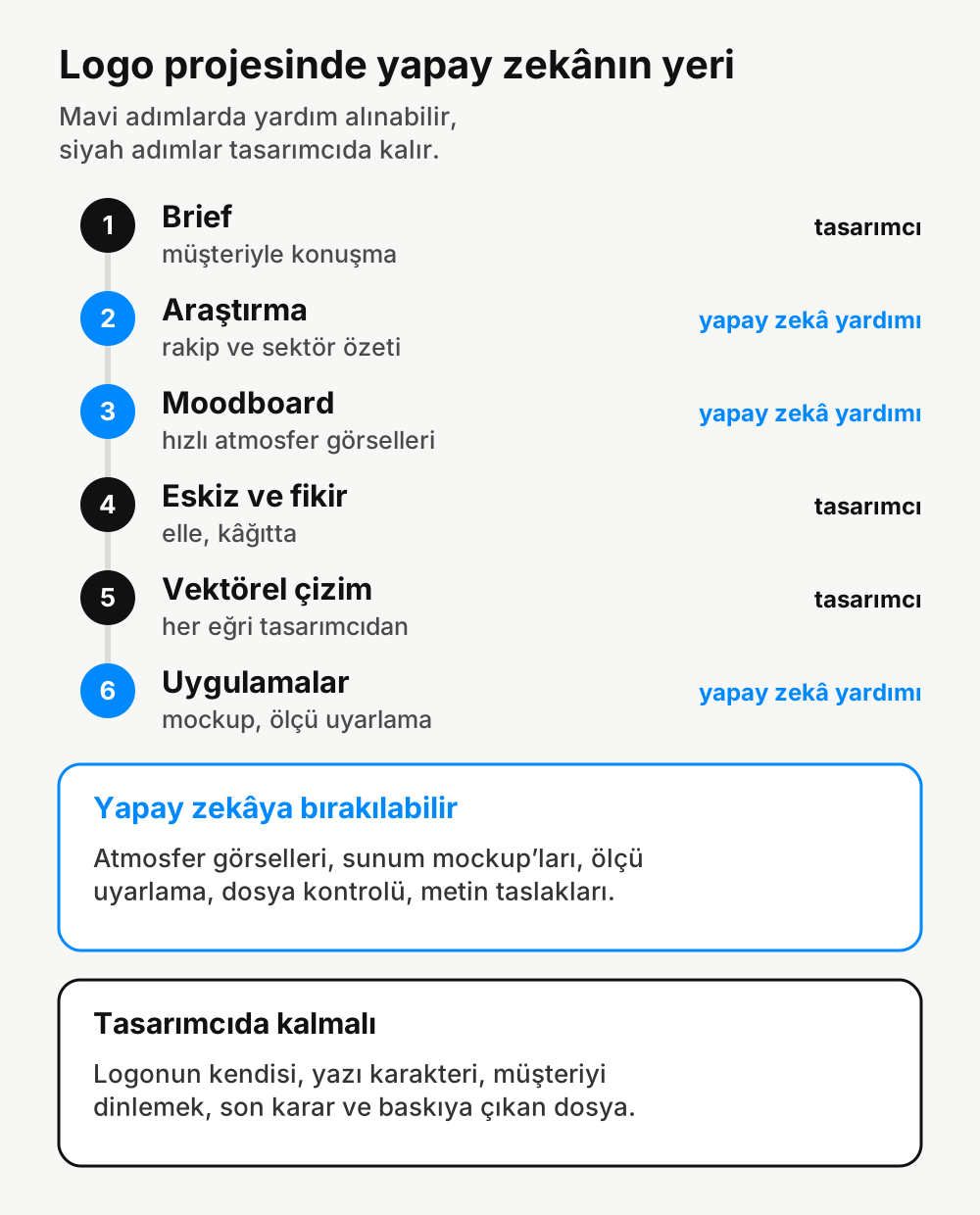
Steps where you can get help
Research. AI is useful for summarizing what competitors in a sector look like and which colors and shapes are used a lot. But the summary is only a starting point. I look at the competitors' logos myself too.
Moodboard. Generating mood images to convey a brand's feel is very fast now. With tools like Sketch in ChatGPT you can get an image from a rough layout. These images are only for discussion, not for use on a website or on packaging.
Applications. Once the logo is finished, jobs like preparing mockups to show it on a business card, a sign, a cup or an Instagram profile, or adapting it to different sizes, are the kind of work you can leave to AI. Adobe's new assistants target exactly this kind of repetitive work.
Steps that should stay with the designer
Brief. Talking to the client and catching the real need behind what they say isn't something a machine can do. The questions I ask when a logo job comes in are still the most important part of the work.
Sketch and idea. I find the idea on paper, by hand. AI can produce lots of "logo-like" images, but they're usually either too generic or too similar to another brand.
Vector drawing. Every curve and every gap in a logo should be intentional. It has to be readable at small sizes, work in a single color and not cause problems at the printer. Getting there from a generated image usually takes longer than drawing it from scratch.
Final decision and print file. The designer decides what gets delivered and whether the file is ready for print.
What changes for the client?
AI shortens some steps, that's true. The time saved usually goes into the idea and the details. Seeing more options and getting mockups faster is good for the client. But making sure the logo itself belongs to your brand, is original and can be used for years is still a designer's job.
Comments
No comments yet. Be the first to write one.